#*32279
Engineering menu
Primary entry observed for the ECARX engineering menu.
ObservedGeely ECARX owner reference
A compact reference for entering the Lynk & Co / Geely ECARX engineering menu and finding the ADB toggle screen. Use it only on vehicles you own or are explicitly authorized to service.
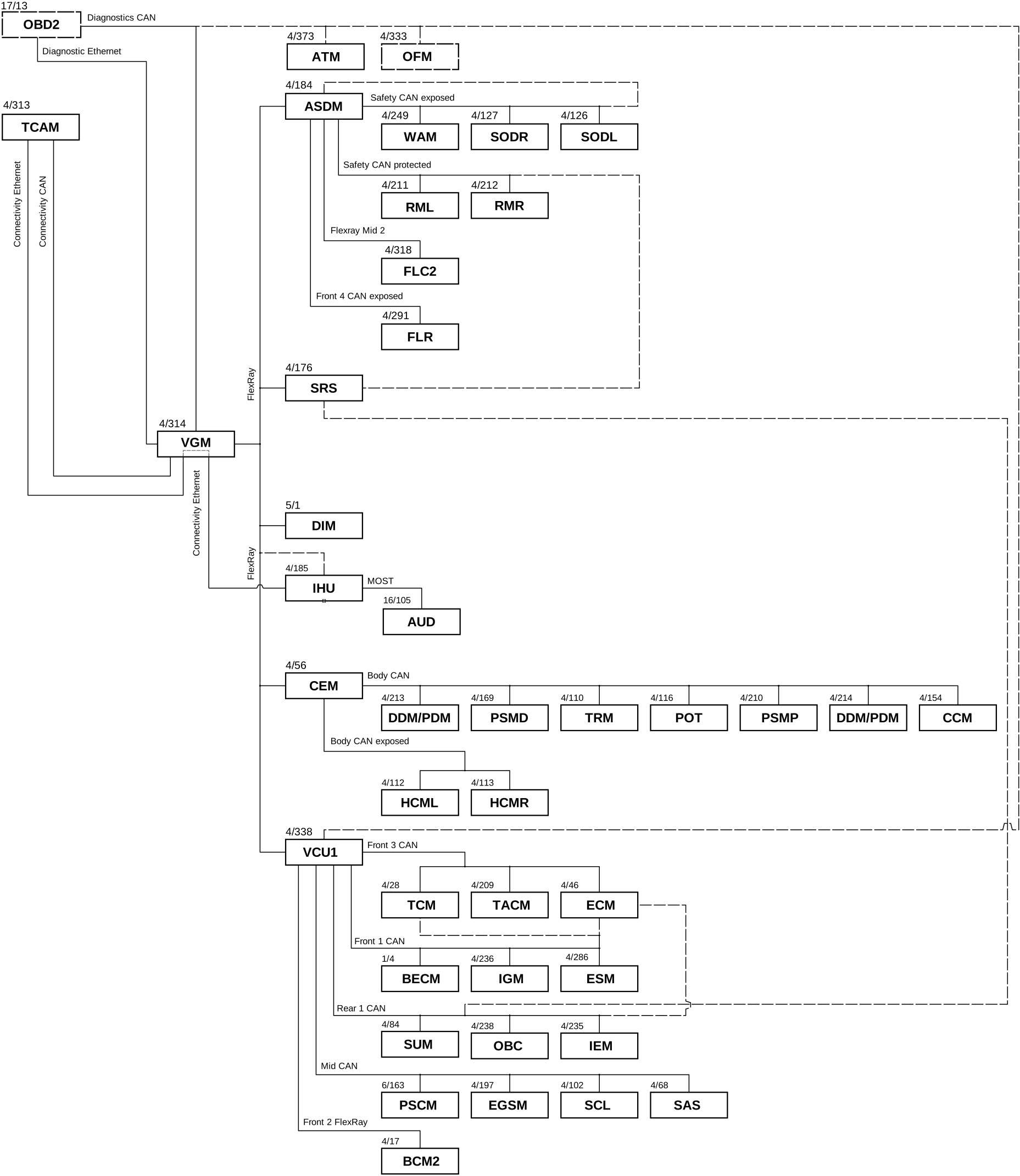
These are dialer-entry codes documented in the local LC08 infotainment notes. Availability can vary by region, model year, firmware build, and powertrain.
#*32279
Primary entry observed for the ECARX engineering menu.
Observed#*32280
Alternate engineering-menu entry code.
Observed#*32281
Second alternate engineering-menu entry code.
Observed#*89757
Opens the ADB toggle menu, but USB ADB may still be disabled by factory DID state.
Blocked on DIDSome electric-model firmware builds are reported to use a date-derived dialer code instead of a fixed engineering-menu code.
Current local calculation
#*--
#*--
Formula: #*(current month + 5 or + 10) current daycurrent hour in 12-hour AM/PM format
This page is intentionally limited to menu navigation and status context.
Use the infotainment dialer or phone-code input surface available on the head unit.
Try #*32279 first, then the alternate codes if the menu does not open.
Inspect settings without changing calibration, diagnostic, or factory-write values.
The observed ADB menu can show: "USB ADB is currently unavailable. Please use DID to enable toggling USB ADB and try again."
That means the visible menu is not enough by itself. The factory state appears to require a diagnostic Data Identifier change before USB ADB can be toggled.